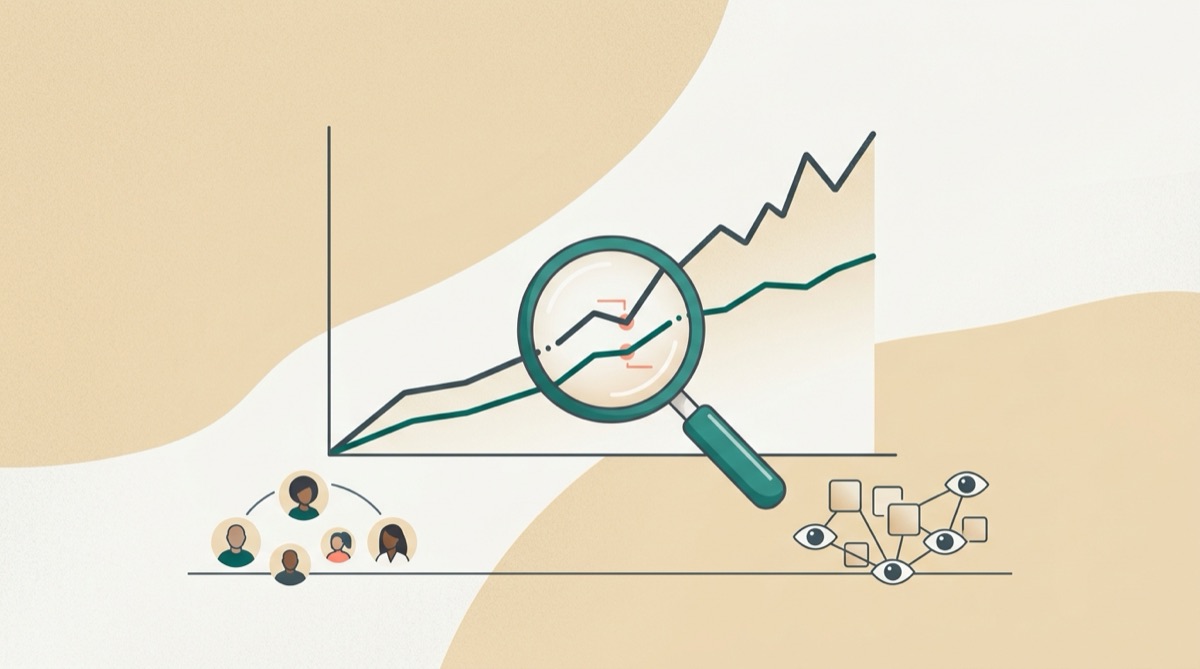
Reach vs Impressions: The Difference (and Which One Matters)
Reach vs impressions explained simply: what each metric means, how they differ, and which one to check before you post again.
BroadcastPost is a free social media scheduler for creators, solopreneurs and small businesses: a friendlier, free alternative to Buffer.
Founding members get two months of Pro, free, when their invite lands. No card.
Doors open at nine on Saturday. New winter menu, and the first coffee is on us.
#localcafe #wintermenu
Goes out at the next free time in your schedule: Tuesday at 9:00 a.m.
Sign in to each network once. BroadcastPost keeps the connection and does the posting from its own servers, so your laptop can be shut.
One caption, as many connected accounts as you like. Then pick Publish Now, Add to Queue, or Pick a time.
Reach, views, likes, comments and follower growth per account, in a chart and a table, plus a calendar of what is scheduled next.
Publish Now, Add to Queue, or Pick a time. That is the whole composer, so there is very little to learn.
Choose the accounts a post goes to and send it to all of them together, from one caption box.
Pick your days and times, and every queued post slides into the next free slot. Suggest from my results can build the slots for you.
The composer suggests times based on how your posts have actually performed, not a study of somebody else's audience.
Paste hashtags once and they are appended to the caption, duplicates removed. TikTok posts carry privacy, comment, duet, stitch and commercial content disclosure settings.
Reach, views, likes, comments and follower growth per account, downloadable as CSV, next to a calendar of everything scheduled and published.
The current numbers live on the pricing page, because they are read from our payment provider rather than typed into a marketing page.
One person posting for one brand, or a few. If you need approvals, client hand-offs and seat management, a bigger tool will serve you better.
You make the thing, then you still have to post it. Batch a week in one sitting and get back to the work.
When to post on social mediaNo team, no handover, no approval chain. One person can keep a queue full and still see what came of it.
How to schedule social media postsThe shop, the invoices, and somehow also Instagram. Set the schedule once so the quiet weeks are not empty.
Social media for small businessWhat we do not do yet: we publish to the nine networks listed above and no others, and there is no team approval flow, no shared inbox and no link-in-bio page. Those tools are older and broader than we are. If one of the networks you post to most is missing from our list, use one of them instead.
Reach vs impressions explained simply: what each metric means, how they differ, and which one to check before you post again.

Learn the follower growth rate formula, rough benchmarks by platform, and practical ways to grow faster without buying followers.
Learn how to get Instagram analytics free: where to find Insights, what each number means, and a simple weekly routine for beginners.
We are opening to a small first group so everyone who joins can connect their accounts on day one. Founding members get two months of Pro, free, when their invite lands.